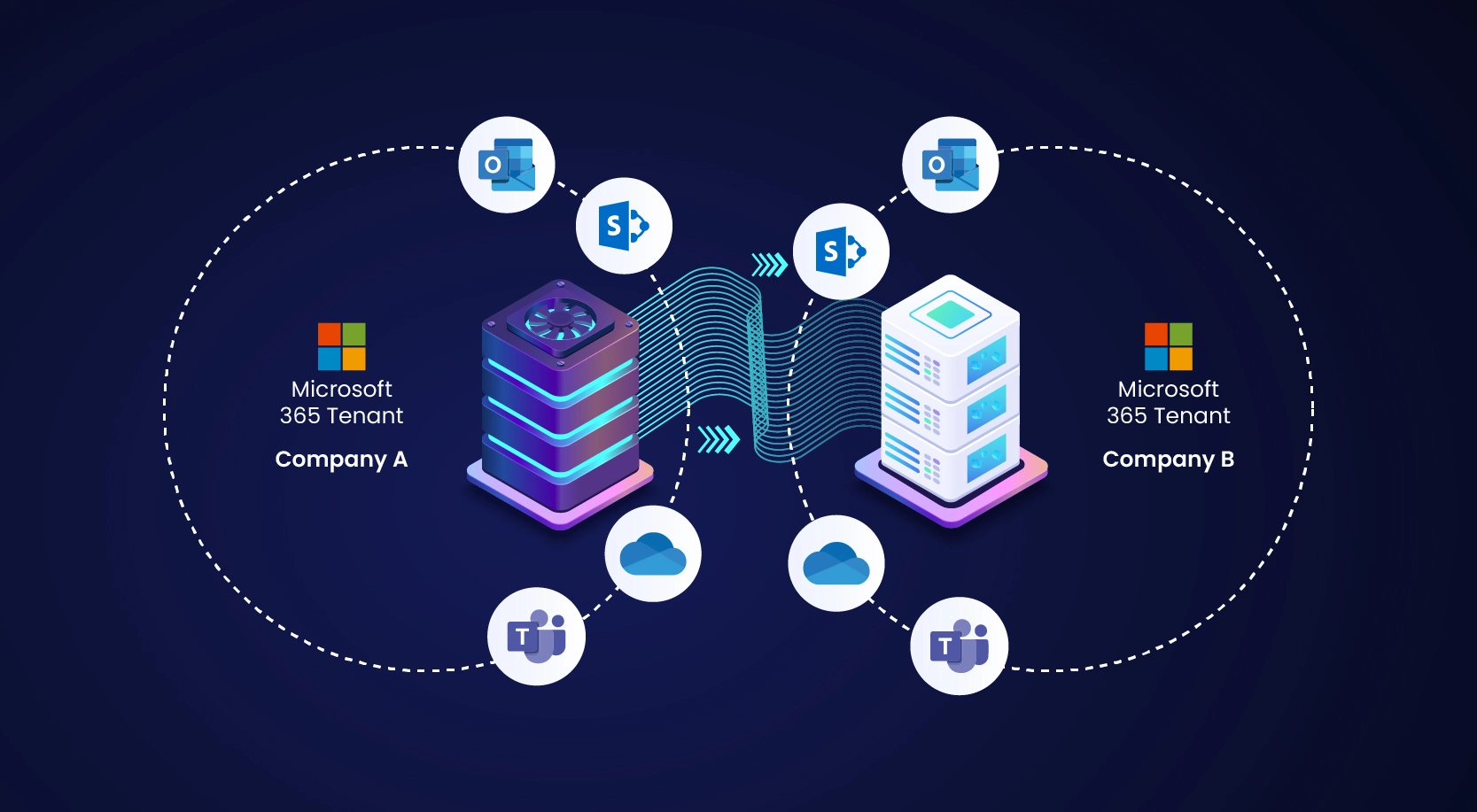
A tenant-to-tenant migration is the process of securely transferring data and users from one Microsoft 365 tenant to another. This service is essential for organizations undergoing mergers, acquisitions, divestitures, or rebranding initiatives. It allows businesses to consolidate digital resources while maintaining security, productivity, and business continuity.
At Micro Cloud IT Solutions, we specialize in planning and executing seamless Microsoft 365 tenant-to-tenant migrations that include:
-
User mailboxes
-
OneDrive data
-
Domains
-
Files and folders
-
Microsoft Teams
-
Groups and permissions
Because tenant migrations are complex and time-sensitive, working with an experienced Microsoft partner and using the right migration tools ensures a smooth and risk-free transition.
Why Tenant-to-Tenant Migration is Critical for Businesses
Every tenant migration scenario is unique. There is no one-size-fits-all approach. Whether your company is acquiring another organization or restructuring your IT environment, the objective is the same:
securely merge users, data, and services without downtime or data loss.
In a typical scenario:
-
The target tenant acquires the source tenant
-
Users, groups, and resources are consolidated
-
Accounts are recreated or synchronized using Microsoft Entra ID tools
-
Data is migrated using Microsoft-native features or trusted third-party migration tools
Micro Cloud IT Solutions follows a structured, proven methodology to ensure success.
Phase 1: Planning & Preparation
Due to the complexity of tenant migrations, proper planning is critical. We recommend starting the planning phase at least two weeks before migration day.
During this phase, our experts help you determine whether Microsoft Entra cross-tenant migration features are sufficient or if third-party migration tools are required.
Key Planning Activities
1. Review Access & Security Policies
We assess existing MFA and Conditional Access policies in the source tenant and align them with the target tenant to ensure users experience no login issues post-migration.
2. Configure Microsoft Entra Roles & Permissions
Administrators in both tenants are assigned proper roles such as:
-
Global Administrator
-
Exchange Administrator
-
Compliance Administrator
This ensures smooth execution and post-migration management.
3. Validate Licensing Requirements
Licenses cannot be transferred between tenants. We audit existing licenses and ensure the target tenant has sufficient Microsoft 365 licenses to support incoming users.
4. Enable Microsoft Entra B2B Collaboration (if required)
For temporary cross-tenant access during migration, B2B collaboration is configured to maintain business continuity.
Phase 2: Communication & User Readiness
Clear communication is essential for migration success. We help you create a user communication plan that includes:
-
Reason for migration
-
Benefits to users
-
Migration timeline
-
Expected service interruptions
-
User action steps
-
IT support contact details
We also provide:
-
Instructions for clearing Outlook auto-complete cache
-
Guidance on accessing Teams and OneDrive post-migration
-
Regular status updates throughout the process
Phase 3: Cutover Preparation
Preparation begins three days before migration.
Key Actions
Domain Verification
TXT records are created in DNS to verify the source domain in the target tenant. DNS propagation may take up to 72 hours.
Adjust DNS TTL
Lowering TTL speeds up DNS changes and reduces downtime.
Mailbox Mapping
User mailboxes are mapped using CSV files and associated with the .onmicrosoft.com domain temporarily to maintain consistency.
Directory Sync Completion
Directory synchronization is finalized and then disabled to avoid data conflicts.
Phase 4: Migration Day Execution
On migration day, Micro Cloud IT Solutions performs the following critical steps:
Update MX Records
Incoming email flow is paused or redirected using backup MX services to prevent email loss.
Disconnect Source Domain
-
Primary domain is changed to
sourcetenant.onmicrosoft.com -
Secondary email addresses are removed
-
PowerShell commands are run to identify blocking objects
Verify Domain in Target Tenant
The domain is added and verified in the target tenant and secured with Conditional Access policies.
Final Mail Flow Configuration
MX records are redirected to the target tenant and mail flow resumes normally.
Access & Service Validation
-
Autodiscover records updated
-
Licenses assigned
-
User login verified
Phase 5: Post-Migration Activities
After migration, we perform final checks to ensure system stability and user productivity.
Post-Migration Tasks
User Communication & Cache Clearing
Users clear Outlook nicknames and auto-complete caches to prevent email errors.
Reconfigure Teams, SharePoint & OneDrive
Permissions and access are verified and re-established where required.
Security & Compliance Review
Conditional Access, Identity Protection, and compliance policies are reviewed to match target tenant standards.
Follow-Up Monitoring
After one week, we conduct system health checks using Microsoft Entra monitoring tools to track:
-
Login activity
-
Risk events
-
Security posture
Why Choose Micro Cloud IT Solutions for Tenant Migration?
Tenant-to-tenant migration is a major IT transformation that requires experience, precision, and security expertise. At Micro Cloud IT Solutions, we deliver:
✅ Secure Microsoft 365 migrations
✅ Zero-data-loss methodology
✅ Minimal downtime
✅ Certified Microsoft professionals
✅ End-to-end project management
✅ Business-friendly user communication
✅ Post-migration support
We help organizations move confidently through mergers, acquisitions, and rebranding with smooth digital transitions.
Get Expert Tenant-to-Tenant Migration Support Today
Tenant migrations are critical but complex. A small mistake can result in data loss, security gaps, or business downtime. Let Micro Cloud IT Solutions handle your Microsoft 365 tenant-to-tenant migration with confidence and precision.
Contact Micro Cloud IT Solutions today to schedule a consultation and learn how we can deliver a secure, efficient, and hassle-free Microsoft 365 migration for your business.