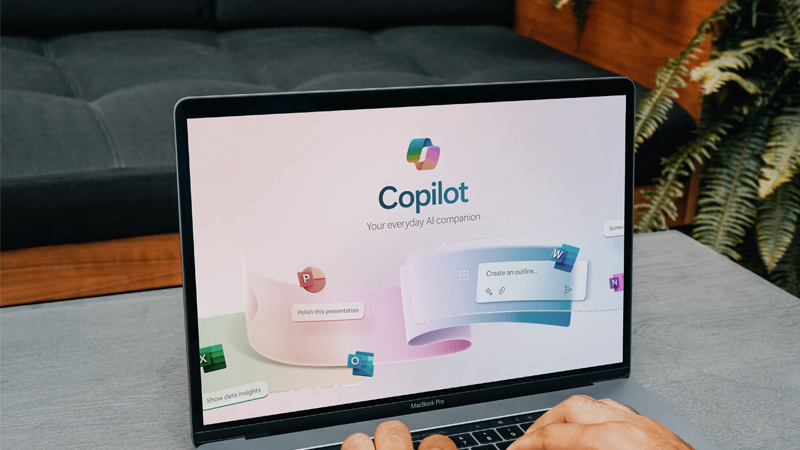
Microsoft Copilot is an advanced Artificial Intelligence (AI) assistant developed by Microsoft that integrates Generative Pre-trained Transformer (GPT) Large Language Model (LLM) technology with Microsoft products such as Microsoft 365, Azure, Windows, Bing, and Power Platform.
It helps businesses automate tasks, improve productivity, generate content, analyze data, and make better decisions using natural language prompts.
This guide explains what Microsoft Copilot is, how it works, its history, features, benefits, and how businesses can use it effectively.
What Is Microsoft Azure Copilot?
Azure Copilot is an AI-powered assistant that helps organizations design, deploy, manage, and troubleshoot cloud infrastructure and applications.
It combines GPT intelligence with Microsoft Azure services to provide:
-
Real-time recommendations
-
Code generation and optimization
-
Faster issue resolution
-
Infrastructure management support
-
Improved cloud efficiency
Azure Copilot is ideal for IT teams, developers, and cloud administrators seeking to modernize their operations.
History of Microsoft Copilot
Microsoft Copilot has evolved through several major milestones that shaped its current capabilities.
GitHub Copilot (June 2021)
GitHub Copilot was the first Copilot product released in partnership with OpenAI. It enabled developers to write code faster with AI-generated suggestions.
GitHub Copilot X (March 2023)
This enhanced version introduced chat-based assistance, deeper IDE integration, and more powerful AI features.
Bing Chat (February 2023)
Copilot was integrated into Bing Chat, allowing users to experience AI-powered search and conversational assistance.
Microsoft 365 Copilot (March 2023)
Microsoft embedded Copilot into Word, Excel, PowerPoint, Outlook, and Teams, transforming productivity applications with AI automation.
Ads in Bing Chat (March 2023)
Microsoft expanded Copilot into advertising and marketing capabilities within Bing Chat.
Is Microsoft Copilot Free?
Microsoft Copilot is available in both free and paid versions.
Free Version
The free version of Copilot is accessible through:
-
Microsoft Edge
-
Windows
-
Bing
-
Copilot web interface
It provides core AI features for writing, searching, and basic productivity.
Paid Version (Copilot Pro & Microsoft 365 Copilot)
Paid subscriptions offer:
-
Faster AI processing
-
Advanced Microsoft 365 integration
-
Enterprise security features
-
Enhanced customization
Copilot services are available globally and support multiple languages.
How to Check If Microsoft Copilot Is Enabled
Check GitHub Copilot
-
Verify the Copilot extension is installed in Visual Studio Code or supported editors
-
Look for the Copilot icon
-
Check for real-time code suggestions
Check Microsoft 365 Copilot
-
Open Word, Excel, or PowerPoint (web version)
-
Look for the Copilot icon in the toolbar
-
Confirm AI-generated suggestions appear
Check Microsoft Security Copilot
Security Copilot is available through Microsoft’s security portal for licensed enterprise users.
How to Get Microsoft Copilot
Microsoft Copilot can be accessed through multiple platforms:
Copilot Website
Use the Copilot web interface for chat-based AI and plugin integrations.
Copilot in Windows
Install Copilot in Windows to assist with system tasks and summaries.
Copilot in Bing and Mobile Apps
Available on Android and iOS for AI-powered search and productivity.
Copilot in Microsoft Edge
Access Copilot from the Edge browser sidebar for text and image creation.
Copilot in Microsoft 365
Available with paid Microsoft 365 subscriptions for Word, Excel, Outlook, PowerPoint, and Teams.
Copilot in Microsoft Power Platform
Integrated into:
-
Power BI
-
Power Apps
-
Power Automate
-
Power Virtual Agents
How to Use Microsoft Copilot
Microsoft Copilot in Word
Assists with document creation, rewriting, summarization, and content generation.
Microsoft Copilot in Excel
Generates formulas, analyzes data trends, and automates spreadsheets.
Microsoft Copilot in PowerPoint
Creates presentations, suggests layouts, and improves visual storytelling.
Microsoft Copilot in Outlook
Drafts emails, summarizes threads, and organizes inbox tasks.
Microsoft Copilot for Image Generation
Works with Microsoft Designer and Bing Image Creator to generate visuals for marketing and presentations.
Microsoft Copilot for Research
Collects and summarizes information across applications with contextual accuracy.
Business Impact of Microsoft Copilot
Microsoft Copilot helps businesses:
Unleash Creativity
Reduces repetitive work and allows employees to focus on innovation.
Unlock Productivity
Automates workflows and accelerates task completion.
Uplevel Skills
Provides intelligent assistance for employees to learn and work smarter.
Security and Compliance Considerations
Organizations must ensure Copilot aligns with security policies and data protection standards to prevent risks related to privacy and intellectual property.
What Makes Microsoft Copilot Different?
Microsoft Copilot stands out because of:
-
Seamless integration with Microsoft 365 and Azure
-
Adaptive AI that improves with usage
-
Cross-platform accessibility
-
Wide application coverage
-
User-friendly design
It serves as a single AI companion for business, development, and productivity needs.
Prepare Your Business for AI with Micro Cloud IT Solutions
Artificial Intelligence is transforming how organizations operate. However, AI adoption requires a secure, modern, and cloud-ready IT environment.
Micro Cloud IT Solutions specializes in Microsoft 365, Azure migration, cloud security, and digital transformation. We help businesses implement Microsoft Copilot safely and effectively.
Contact Micro Cloud IT Solutions today to learn how Microsoft Copilot can drive productivity, automation, and innovation for your organization.